Showing posts with label Graphic Design. Show all posts

Sunday, January 30, 2022

2021 Snow Globes

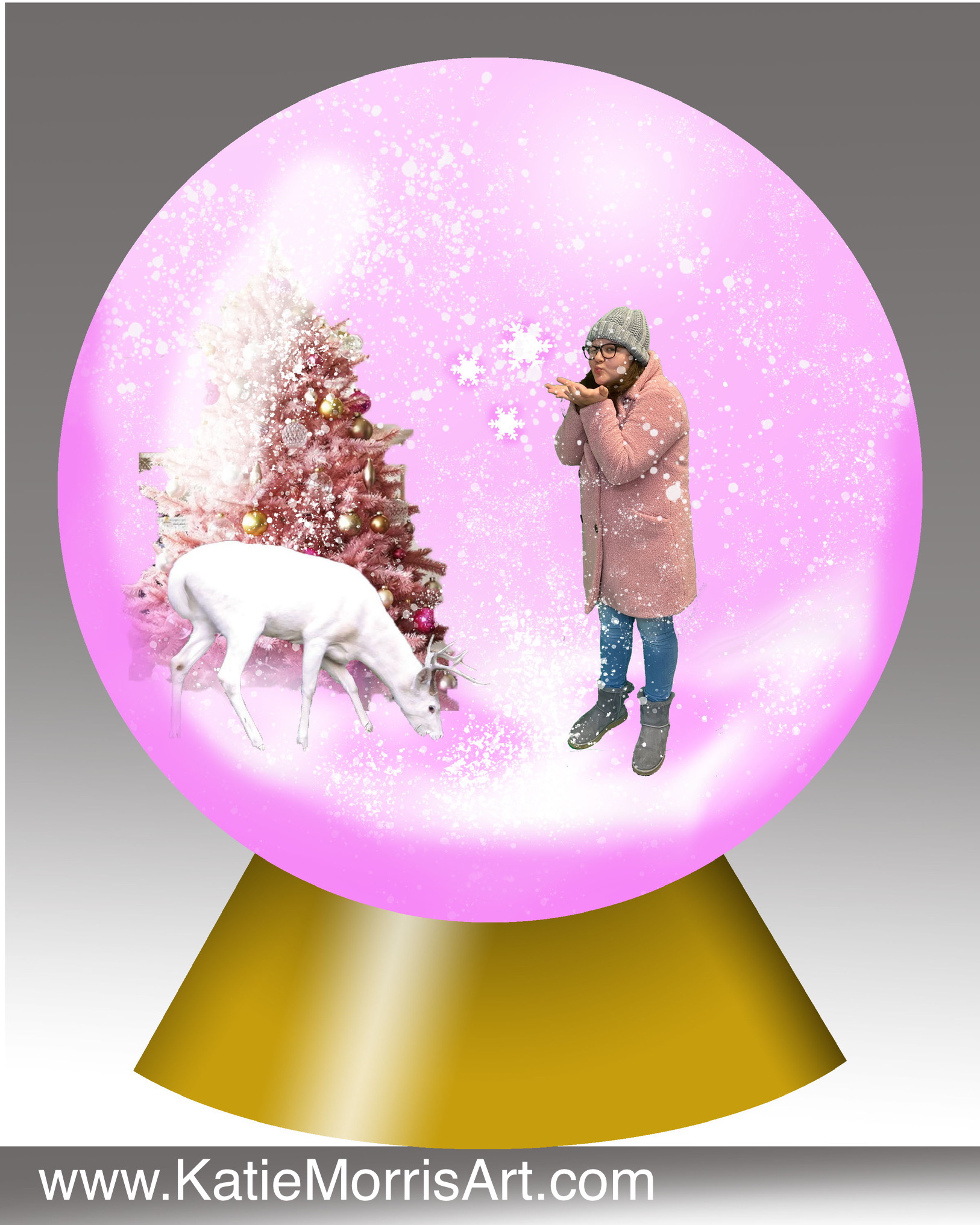
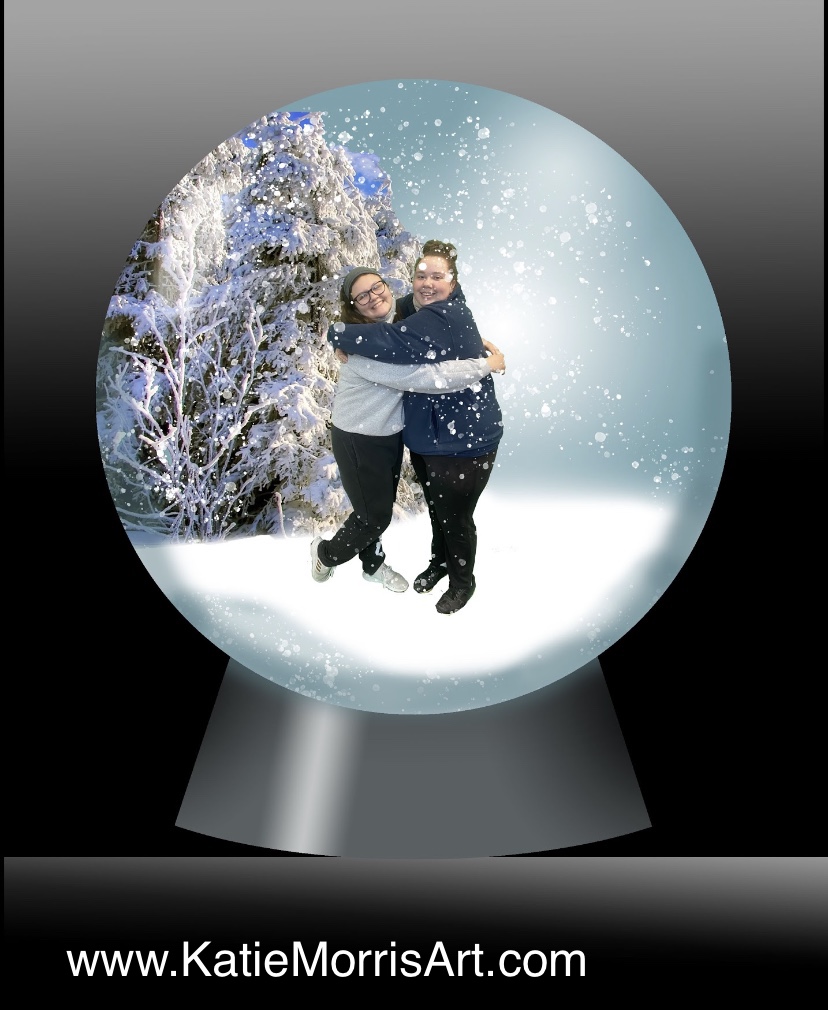
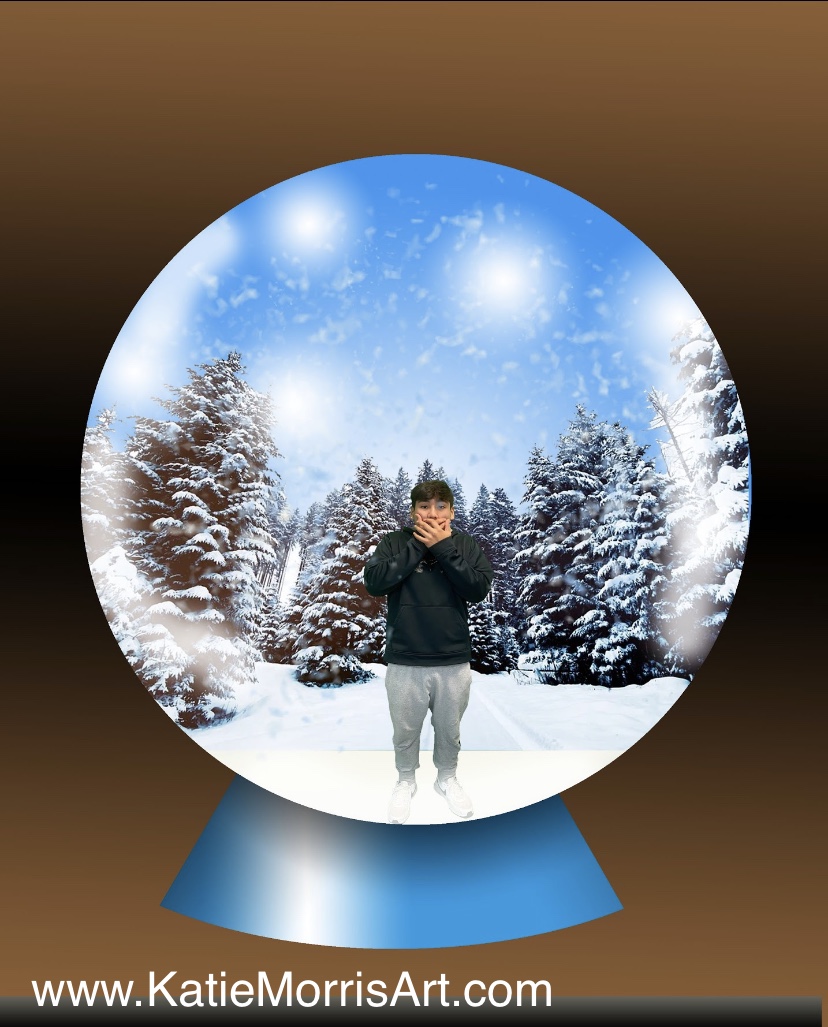
Last year building snow globes in graphic design turned out so good we did it again this year! Here are pictures of what the students made.


Friday, December 17, 2021

Altered Digital Compositions with Textiles

I usually like to do a quick project with my graphic design kids to have them explore filters and effects within photoshop. Last year I was excited to discover artist Prince Eric Nichols (https://www.princeericnichols.com/) and his work made from digital textiles. The textiles usually relate to the subject he is representing and I started to think about how students could do both the technical process of overlaying textiles with layer masks and work with the idea of choosing textiles that could represent their own cultures and interests.

Here is the handout I posted for students: 
https://docs.google.com/document/d/1JIFjV8slFuVaFlCjle9PxdJTEgluWX45sH3RAna48Cs/view
This took 2 class periods for my students but it could definitely be done in one if your students have more experience. Next time I will more strongly encourage students to bring textiles or photos of textiles from home instead of using what was in the art room, though I'm thankful we found quite a few options in the classroom that would work.


Wednesday, April 14, 2021

Ice Dyed T-Shirts

One of the workshops at the 2020 KAEA Virtual Fall Conference was about how to ice dye. I had wanted to give my graphic design students to make an actual product they could use and knew they would like the look of ice dyeing, so this lesson was born!

For the first part, the students designed a logo for the Heart of Jackson Humane Society that could be used on a t-shirt as a client project. 

Next, they had the chance to design their own t-shirt. The theme was open and the design was limited to one color- black- because that is what we had available for iron-on vinyl. Art Club paid for the shirts and we got a great deal since a local t-shirt shop offered to order plain white tees for us at cost. This worked out really well since I didn't have to worry about students bringing their shirts on time or bringing shirts that did not have enough cotton to accept the dye.

While students were designing, we started dyeing shirts. The ice took so long to melt that I had to ask what colors the students wanted and start sprinkling the colors on in the morning. Now that I know how long it takes, I will plan my timeline differently in the future so students can apply the powdered dye themselves.

1. Soak the t-shirts in soda ash water for at least 15 minutes
2. Ring out the shirt and arrange bunched up on a cooling rack, wire basket, etc. so the water can drip through
3. Pile ice on the shirt, trying to cover everything- this can take a little practice to get the ice stacked up
4. Sprinkled on powdered dye- we used jacquard procion dye, about a tablespoon total per shirt, so if you use 3 colors, a teaspoon of each. We did not measure this precisely because I didn't have measuring spoons at school and the spoons borrowed from my clay tools wouldn't fit in the little jars. We stuck the handle of the spoon in and scooped some out, sometimes sprinkling a bit more dye if it looked too pale as the ice melted.
5. Wait until the ice melts
6. When ice is totally melted, rinse the shirts until the water runs clear. Ring it out and rinse it again to be safe.
FYI- if you use a blow dryer to melt the ice the colors don't seem to be as vibrant as if you let the ice melt on its own.

Students created their designs in Photoshop then turned in a jpeg so I could import it to Silhouette studio and cut it out with my portrait on heat transfer vinyl. I learned to order the easy weed vinyl in the future and to do a small test cut to check the depth and number of passes required. The default was not enough for the HTV I ordered so it took some testing to get the right combination.
There were two shirts that the student and I both looked over and didn't notice small missing words like the "in" that should be before affliction. We won't make that mistake again! We ended up trying to match the size and patched it in.

Some students went with just lettering while others went with illustrations.

The students were pretty pumped about their shirts. I asked everyone to wear them on the same day so we could take a group picture. Here is one class:

Thursday, March 4, 2021

Digital Snow Globes

In December right before winter break my intro graphic design students "Photoshopped" themselves into a snow globe. We were able to review some of the basic skills we had already covered and introduce a few new skills. This project was fun to do and got a lot of nice comments when they were on display!


I posted the full demonstration on YouTube- you can watch the playlist here! https://youtube.com/playlist?list=PLkaa-S6cQns_fqbVhmsF14l3Y5ztRYOD_

My example
Students were able to choose what to include inside their snow globes.


Snow globes don't have to be snowy. This student chose a beach theme.

Someone suggested adding a fisheye effect- I didn't think of that in time so I will have to test that idea next year!


Sunday, January 10, 2021

Speed Painting

I like to do a speed painting challenge with my intro high school students when we introduce painting to encourage them to mix colors, blend paint, and loosen up! This year I put together a video for the KAEA virtual fall conference to explain and demonstrate the concept.

Here are the "rules"

  • Use only primary colors + black and white
  • No pencils or drawing before painting
  • No washing your brush- blend!
  • Fill the entire page
  • Move quickly before the paint dries

4 student speed paintingsHere are some of last year's student speed paintings. I always grab a bag of ornamental gourds and sometimes some fruit for observation.

A student's hand painting a gourd
A student works on a speed painting
a painting of a gourda painting of a gourd
A student's painting on the left and one of my examples on the right. These were similar gourds but mine had green on the bottom.

a paint tray next to a painting of a butterfly
I used some deceased butterflies I found as examples in my videos but students were happy to stick with gourds for their challenge. Maybe next year advanced students can do a more challenging subject!

Saturday, July 18, 2020

Theme: Music

Music was the last theme that my high school students worked on before spring break when EVERYTHING changed.
I don't think I know anyone who doesn't like music. Everyone can find a style they like. In addition to March being Youth Art Month, it is Music In Our Schools Month so it seemed like a good time to make connections between the arts.

Here is the slides presentation that I used to go over the big ideas:
The big questions for this unit were:
How can artists visually express music?
and
How can color convey feeling?

After the discussion, the students warmed up by using 10 minutes* to capture the feeling of a song in a nonobjective painting. The majority of students wanted to keep working so they spent the rest of the class period on the task. I let the students listen to the song of their choice using their personal device or headphones and their school computer.

Students had choice of media.
Eventually, students came up with a plan for a project inspired by music that they could complete in about 2 weeks.
This student painted on old records and then riveted them together to form a wall hanging.

The inspiration for this experimental painting came from the title of the sheet music. I have a couple of old sheet music books I rescued from being recycled.


This painting was inspired by Weezer's Island in the Sun

These two friends made paintings the complement each other.

This drawing was by our Italian exchange student who really loved to draw. I like how you can see where she erased on the left side.

Here are the Visual Arts Standards and Graphic Design Competencies we addressed through this unit:

Tuesday, May 12, 2020

#StyleChallenge

Today I want to show you an instagram challenge that I used as a lesson for my students during continuous learning. I assigned this to my graphic design students and it was later a choice for 7th graders and the rest of the high school students. 
I thought the students would enjoy this since they can use shows they already like as inspiration. I think I will use this next year when we are hopefully back at school but I will probably make some type of planning sheet where students can add images from the style they are researching and take notes on the characteristics of the style. I think this is a good way to learn about being inspired by a style without just copying it. As much as I explained, I still had a few students just draw the regular characters from the show, or choose a character that looked like them without making changes. Working from home, you take what you can get. But I think this lesson has potential!
My example of the #StyleChallenge- I want to redo the Bob's Burgers drawing but I'm pretty happy with the rest.
Click HERE for the Google Doc I used to explain the project. I included lots of examples of other artist's challenges.

What is the Style Challenge?
The style challenge was started by an instagrammer, @beautifulness87. The idea is to draw yourself or a character in the style of different cartoons.

Some popular styles 
  • The Simpsons
  • Powerpuff Girls
  • Your own style
  • Realistic
  • Disney
  • Tim Burton
  • Dragon Ball Z
  • Adventure Time
  • Invader Zim

Rationale:
This assignment will show your ability to understand what makes a style and apply that to drawing a self portrait. You will learn to reference images while creating something new and not just copying. 

Your Assignment:
Create at least 2 self portraits in the styles listed above or any of your favorite cartoons. They can be on one page or multiple. You can do more than 2!

Supplies: whatever you have available at home.
I completed my challenge digitally using the free app Adobe Draw. You can use an app, pencil and paper, markers, colored pencils, whatever supplies you can find. If you don’t have drawing paper or copy paper, you can draw on the back of something, a piece of cardboard, the inside of a cereal box, etc. be flexible and get creative.
DO YOUR BEST WITH WHAT YOU HAVE AVAILABLE

Turn in: Either a photograph of your drawing(s) or image file that you upload to Google Classroom.

National Visual Arts Standards
VA:Cr1.1.HS1- I can generate and conceptualize artistic ideas and work.

Graphic Design CTE Competencies
5. Create and produce content.
6. Create and refine design concepts.
12. Create graphical images.
16. Use available reference tools as appropriate.